

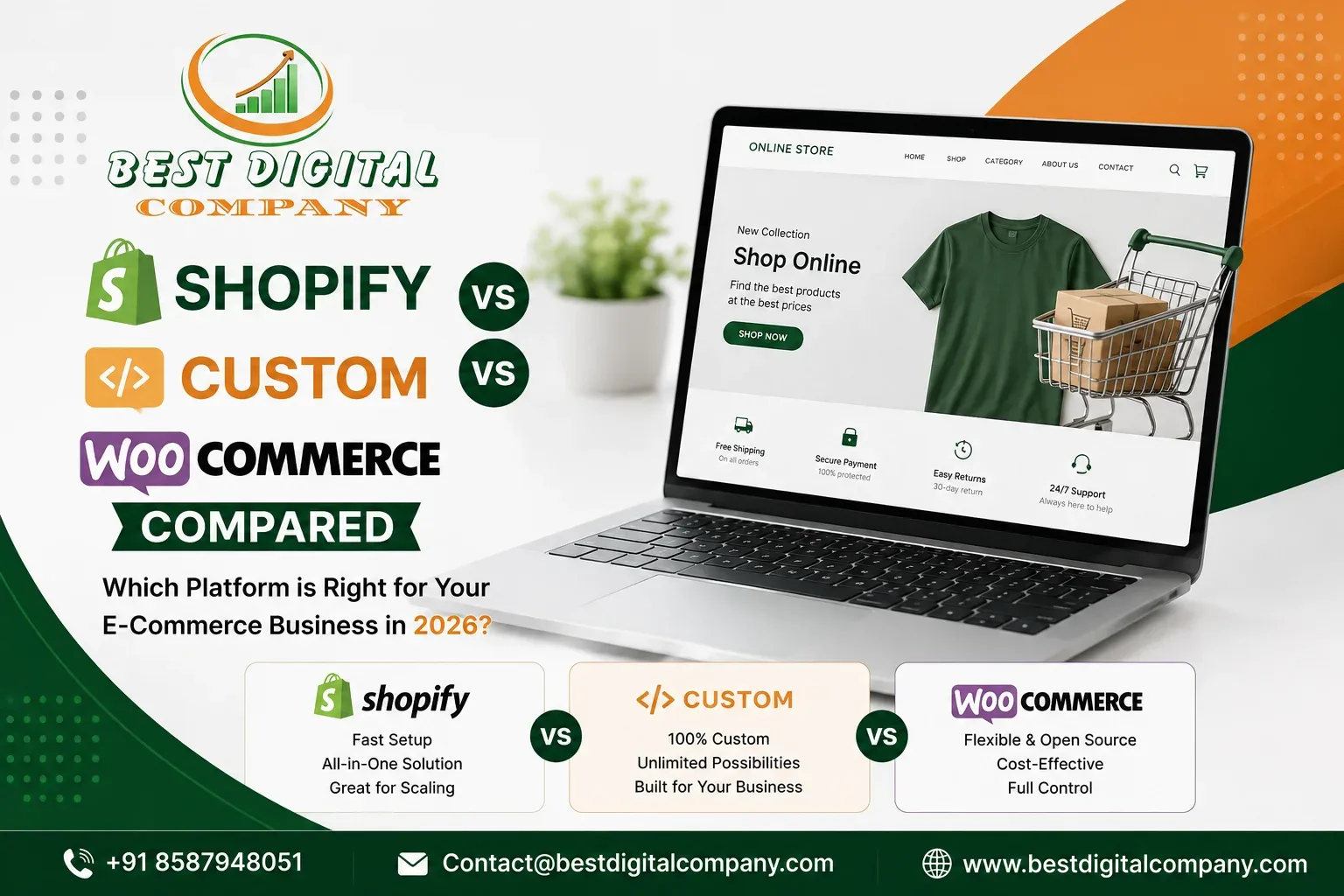
If you have started asking around for quotes, you already know the confusion. One agency tells you Shopify is the only sane choice in 2026. Another swears by WooCommerate because “you own everything.” A third wants to build you something fully custom and quotes a number that makes you close the laptop for the night. Meanwhile, you just wanted to sell products online without turning platform selection into a part-time job.
This is one of the most common calls we get at an e commerce website designing company like ours. Business owners rarely start out caring about frameworks, hosting, or checkout architecture. They care about getting orders, keeping the site fast, and not getting locked into a decision they will regret in eighteen months. The platform conversation only feels complicated because most explanations skip the part that actually matters: what changes for your business, day to day, once the site is live.
So this article skips the jargon-heavy comparison charts you have probably already seen and instead walks through what Shopify, WooCommerce, and a fully custom build actually mean for a business owner running a real store not a hypothetical one.
What an E-Commerce Website Designing Company Actually Weighs Before Recommending a Platform
Before any experienced e commerce website designing company suggests a platform, a few practical questions get answered first, because the “best” platform genuinely depends on the answers:
- How many products are you selling, and how often does that catalog change?
- Do you need custom checkout logic, subscriptions, or unusual pricing rules?
- Is this store replacing an existing one, or launching fresh?
- Who will manage the site day to day you, an in-house team, or an agency?
- What is your realistic three-year budget, not just the launch budget?
- Do you need tight integration with an ERP, POS, or inventory system?
Notice that none of these questions are “which platform is more famous.” That is the trap a lot of business owners fall into picking a platform because a friend used it, rather than because it fits how their business actually operates. A good designing partner asks these questions first and lets the answers point to the platform, not the other way around.
Shopify: The Fast, Managed Route
Shopify has become the default recommendation for a reason. It is a hosted platform, which means the servers, security patches, uptime, and PCI compliance are handled for you. You are not managing a web server or worrying about a plugin update breaking checkout at 2 AM during a sale.
Where Shopify genuinely wins:
- Speed to launch. A straightforward store can go live in weeks, not months, because the core commerce engine cart, checkout, payments, tax calculation is already built and battle-tested.
- Reliability during traffic spikes. Shopify’s infrastructure is built to absorb sudden surges, which matters a lot if you run flash sales or seasonal campaigns.
- App ecosystem. Need reviews, upsells, subscriptions, or loyalty points? There is almost certainly an app for it, which cuts custom development time dramatically.
- Built-in payment and shipping handling. Shopify Payments, tax rules, and shipping rate calculators come largely pre-configured, which removes a lot of early technical setup.
Where it starts to pinch:
- Monthly platform fees plus transaction fees (unless you use Shopify Payments) add up over time.
- Deep customization outside Shopify’s theme and app framework requires developers who know Shopify’s specific templating language, which narrows your talent pool later.
- You do not own the underlying platform — you are renting space on Shopify’s infrastructure, and their policy changes become your problem whether you like it or not.
Shopify tends to be the right call for businesses that want to start selling quickly, don’t need highly unusual functionality, and would rather pay a predictable monthly fee than manage infrastructure themselves. If you have already read our piece comparing a website making company against DIY builders, the same logic applies here: Shopify sits in between doing it yourself and building something fully bespoke, offering speed without total dependence on your own technical skill.
WooCommerce: The WordPress Route
WooCommerce is a free plugin that turns a WordPress site into a store. If your business already runs on WordPress for content or blogging, this is often the path of least resistance because your store and your website live in the same system.
Where WooCommerce genuinely wins:
- Ownership and control. You are not renting a platform. The code, the database, the hosting choice — all of it is yours, which matters if you want full control over how your data is stored and used.
- Flexibility. Because WordPress has one of the largest plugin ecosystems in existence, WooCommerce can be extended into almost anything: memberships, bookings, multi-vendor marketplaces, complex product configurators.
- Content and commerce together. If your growth strategy leans on blogging, SEO content, or resource pages alongside product pages, having both in one system simplifies internal linking and site structure.
- No mandatory transaction fees. Beyond payment processor fees, WooCommerce itself does not take a cut of your sales.
Where it starts to pinch:
- You (or your agency) are responsible for hosting, security patches, backups, and plugin compatibility. A neglected WooCommerce store is genuinely more vulnerable than a hosted Shopify store.
- Performance depends heavily on hosting quality and how many plugins are stacked on top of each other. A poorly maintained WooCommerce site can slow down fast.
- Plugin conflicts are a real, recurring maintenance cost — not a one-time setup issue.
WooCommerce tends to make sense for businesses that already have WordPress expertise on their team or with their agency, want tighter control over data and design, and are comfortable with ongoing maintenance being part of the deal. It rewards businesses that treat their website as a long-term asset they actively manage, not something they set up once and forget.
Custom E-Commerce Development: Built From the Ground Up
A custom build means exactly what it sounds like — no pre-built platform underneath, no theme marketplace, no plugin dependency chain. The store is coded specifically for your business logic, whether that is unusual pricing tiers, complex B2B ordering rules, real-time inventory sync with a warehouse system, or a checkout flow that simply doesn’t exist in off-the-shelf software.
Where custom development genuinely wins:
- No functional ceiling. If Shopify or WooCommerce cannot do something without a workaround, custom code can — there is no platform limitation to design around.
- Performance tuned for your exact use case. Because nothing extra is running in the background, custom builds can be leaner and faster than a store carrying a dozen apps or plugins.
- Deep system integration. Businesses with existing ERPs, custom CRMs, or proprietary inventory systems often find custom development is the only realistic way to get everything talking to each other cleanly.
- Full ownership with zero platform dependency. No monthly platform fee, no forced migration if a platform changes its terms.
Where it starts to pinch:
- Cost and timeline. Custom builds take longer and cost significantly more upfront because everything — checkout, cart logic, admin panel, security — is being built rather than configured.
- Ongoing maintenance is entirely on you or your development partner. There is no vendor patching security holes in the background.
- Hiring becomes harder over time. A custom system is only as maintainable as the documentation and the availability of developers who understand it.
Custom development is the right call almost exclusively for businesses with genuinely unusual requirements — high transaction volume with specific compliance needs, complex multi-warehouse logistics, or business models that off-the-shelf platforms simply were not built to handle. For most growing retailers, it is more horsepower and more cost than the situation actually calls for.
Shopify vs WooCommerce vs Custom: A Side-by-Side Look
| Factor | Shopify | WooCommerce | Custom Build |
| Launch speed | Fastest (weeks) | Moderate (weeks to a couple months) | Slowest (months) |
| Upfront cost | Low to moderate | Low to moderate | High |
| Ongoing cost | Monthly fee + apps | Hosting + maintenance | Development + maintenance retainer |
| Technical maintenance | Handled by Shopify | Your responsibility | Your responsibility |
| Customization ceiling | Moderate | High | Unlimited |
| Best for | Fast-launching retail stores | Content-driven or WordPress-based brands | Businesses with unique operational needs |
| Data ownership | Partial (platform-dependent) | Full | Full |
What This Actually Costs Over Three Years
Sticker price at launch is misleading because it hides what happens over time. A rough three-year picture, based on projects we have scoped for small and mid-sized retailers:
- Shopify: Lower upfront investment, but monthly platform fees, app subscriptions, and theme costs accumulate steadily. For a mid-size catalog running several apps, the three-year total often lands in a predictable, moderate range.
- WooCommerce: Similar or slightly lower upfront cost than Shopify, but the real cost shows up in hosting quality and ongoing developer maintenance. Skimp on either and you pay for it later in downtime or security incidents.
- Custom: The highest upfront number by a clear margin, but no recurring platform fee. Whether this evens out over three years depends entirely on how much ongoing development the business needs a stable custom system can be cost-competitive long-term, while one needing constant feature additions will keep costing.
The honest answer is that none of the three platforms is “cheaper” in absolute terms the cost simply moves to a different place in the timeline. This is exactly the kind of budgeting conversation an e commerce website designing company should walk you through before a single line of code is written, not after the invoice arrives.
How to Choose the Right E-Commerce Website Designing Company for the Job
Once you know roughly which platform direction fits your business, the harder decision is who builds it. A few things worth checking before signing anything:
1. Ask to see stores they have actually shipped, not just mockups. Live stores tell you far more than a portfolio slide. Check load speed, mobile checkout, and whether product pages actually convert-friendly design or just look nice.
2. Ask who maintains the site after launch. Some agencies hand you the keys and disappear. Others, including teams that also run search engine optimization and pay-per-click campaigns, stay involved because a store that doesn’t get traffic is a store that doesn’t sell — design and marketing need to work together, not in silos.
3. Ask about platform-specific experience, not general web development experience. Building a WordPress brochure site and building a stable WooCommerce store handling hundreds of orders a day require different skill sets. The same is true for Shopify theme development versus custom Shopify app work.
4. Get a straight answer on total cost, including year two and three. If an agency only wants to talk about the launch invoice and gets vague about ongoing costs, that is worth pausing on. We covered this exact pattern in more depth in our piece on comparing a website developer company against hiring a freelancer the cheapest quote and the cheapest total cost are frequently two very different numbers.
5. Ask how they define “best” for your specific case. Every agency claims to be the best web designing company. What actually separates a genuinely strong partner from a template shop is whether they can explain, in plain language, why a recommendation fits your business rather than just their preferred tech stack. We wrote a longer breakdown of this exact question in what “best” actually means in a web designing company, which is worth a read before you commit to any agency.
Common Mistakes Businesses Make When Picking a Platform
- Choosing based on what a competitor uses. Their catalog size, budget, and technical team may look nothing like yours.
- Underestimating ongoing maintenance. WooCommerce and custom builds especially get treated as one-time projects when they are really ongoing responsibilities.
- Overbuilding too early. Committing to a custom build before the business has proven its exact operational needs often means paying for flexibility that never gets used.
- Underbuilding for known growth. On the flip side, picking a bare-bones Shopify setup while already knowing you need complex B2B pricing next year just guarantees a costly migration later.
- Ignoring post-launch marketing. A beautifully built store with no visibility strategy behind it will sit quiet. Design and traffic generation need to be planned together from day one, not bolted on afterward.
Why the Right Partner Matters More Than the Platform Name
Here is the part that tends to get lost in Shopify-versus-WooCommerce debates: the platform is only one variable. The bigger variable is whether the team building your store actually understands retail operations, conversion-focused design, and how the store needs to connect with your marketing efforts once it goes live.
An experienced e commerce website designing company does not just install a theme and call it done. It maps your product catalog structure, plans checkout flow around your actual customer behavior, sets up analytics correctly from day one, and builds a site that a marketing team can actually optimize later whether that means running SEO campaigns, paid ads, or both. That is the difference between a store that technically works and a store that consistently converts visitors into paying customers.
If you are weighing this decision right now, it is worth having a direct conversation about your catalog, your budget horizon, and your growth plans before committing to a platform. Our team has built and migrated stores across all three approaches and can walk through what fits your specific situation no platform bias, just a straight recommendation based on how your business actually operates. You can see the scope of what our web development and designing services cover, or check current web development packages to get a sense of pricing structure before your first call.
Frequently Asked Questions
Is Shopify better than WooCommerce for a small business just starting out?
For most first-time store owners with a standard product catalog, Shopify tends to be the smoother start because hosting, security, and checkout are already handled. WooCommerce becomes the stronger choice when the business already runs on WordPress or needs tighter control over customization and data.
How much does it cost to hire an e commerce website designing company?
Costs vary widely based on platform, catalog size, and customization needs. A straightforward Shopify or WooCommerce store typically costs less upfront than a custom build, but the right number depends on your specific requirements most agencies, including ours, will scope this after understanding your catalog and functionality needs rather than quoting a flat number blind.
When does a business actually need a custom-built store instead of Shopify or WooCommerce?
Custom development makes sense when your business has requirements that off-the-shelf platforms genuinely cannot handle well complex B2B pricing rules, deep ERP integration, unusual checkout logic, or extremely high transaction volume with specific compliance needs. If your catalog and workflow are fairly standard, custom development is usually more cost and complexity than necessary.
Can I switch platforms later if my business outgrows Shopify or WooCommerce?
Yes, migrations happen regularly, but they take planning around product data, SEO rankings, and order history, and they are not free. That is exactly why getting the initial platform choice right based on where the business is actually headed, not just where it is today saves a costly migration down the line.
Does the platform I choose affect my SEO rankings?
The platform itself is less important than how it is configured. Shopify, WooCommerce, and custom builds can all be optimized for search visibility if technical SEO fundamentals site speed, clean URL structure, mobile responsiveness, structured data are handled correctly during the build, not added as an afterthought.
Who maintains the website after it launches?
This depends entirely on the agreement with your designing company. Shopify shifts most infrastructure maintenance to Shopify itself, while WooCommerce and custom builds usually require an ongoing maintenance arrangement with your development team, covering security updates, backups, and bug fixes.

Add a Comment