

If you have ever typed “launch online store” into Google at 1 AM, you already know the problem. There are a hundred tutorials, a dozen platforms, and no shortage of people telling you it takes “just a weekend.” Then you actually start building, and within a few hours you are staring at plugin conflicts, a checkout page that looks broken on your own phone, and a nagging feeling that you are missing something important.
You are. Most first-time store owners build a website. They do not build a selling system. That difference is exactly what an experienced e commerce development company is supposed to solve, and it’s why so many stores that “launch” quietly stop getting visitors within a month.
This article walks through the eight features that separate a store built to actually sell from one that just sits online looking pretty. None of this is theoretical. It’s based on patterns we see over and over again while building and fixing online stores for small businesses in Delhi and across India the same mistakes, the same fixes, project after project.
What an E-Commerce Development Company Actually Does Differently
A freelancer or a DIY builder can get a product catalog online. What a proper e-commerce development company brings to the table is a bit less visible, but it’s the part that decides whether the store makes money.
That includes structuring the site so search engines and shoppers can both find their way around, choosing a tech stack that won’t fall over during a sale, wiring up payments so nothing bounces at checkout, and setting up the backend so you can actually manage orders without losing your mind. It is less about how the homepage looks on day one, and more about whether the store still works and still converts six months later when traffic picks up.
If you have already been through the debate of hiring a website making company versus building it yourself, you know the gap shows up fastest with e-commerce. A blog or a portfolio site can survive some rough edges. A store where the “Buy Now” button fails on mobile cannot.
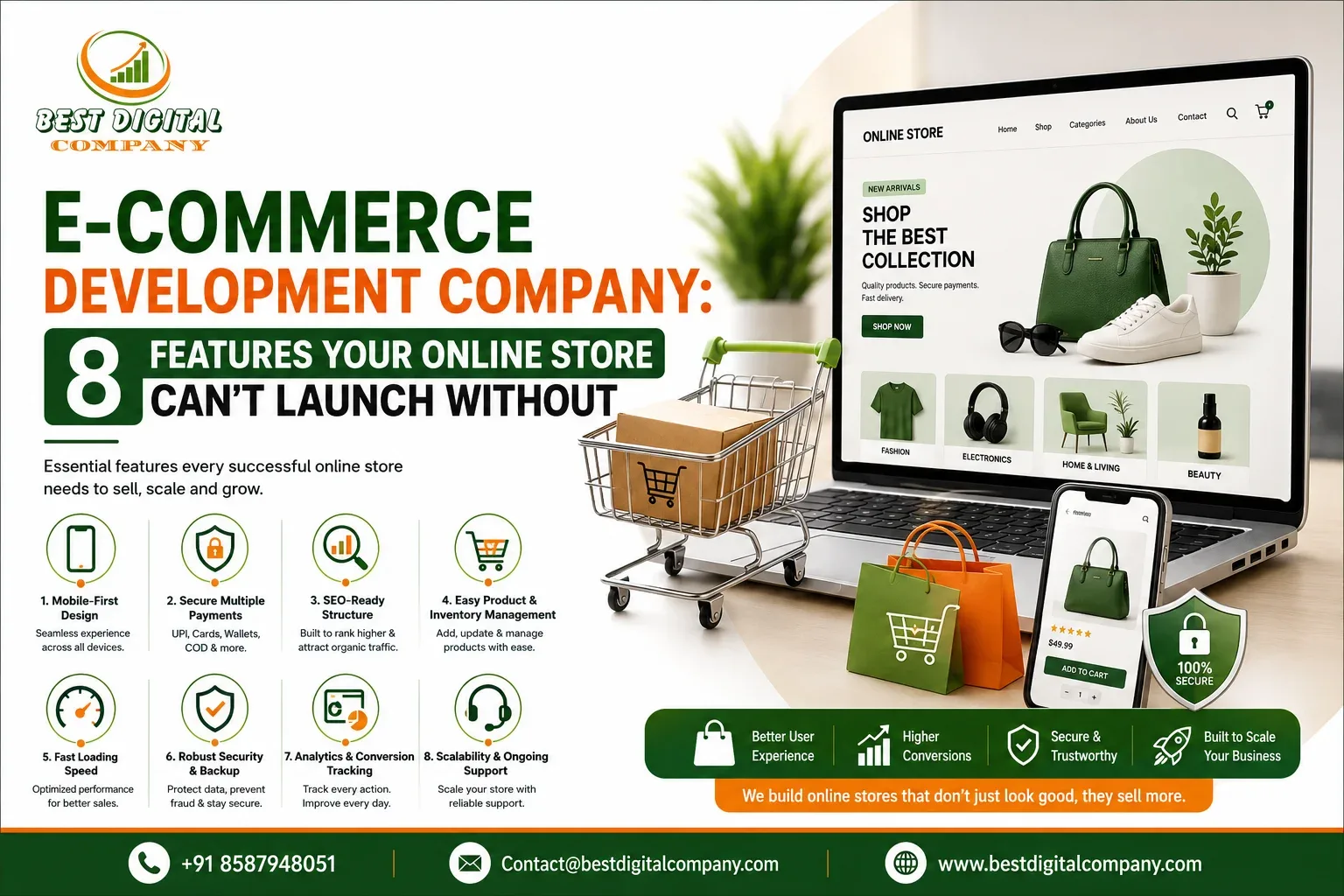
With that context, here are the eight features every online store needs before it goes live.
Feature 1: A Mobile-First Layout That Doesn’t Break at Checkout
More than half of online shopping traffic in India now comes from phones, and for a lot of categories fashion, gifting, electronics accessories that number is closer to seventy percent. Despite that, a shocking number of new stores are still designed on a desktop screen first, then squeezed onto mobile as an afterthought.
The problem rarely shows up on the homepage. It shows up three steps into checkout, where a form field is cut off, a payment button is hidden below the fold, or the “add to cart” animation freezes the page for two seconds too long. Every one of those small frictions is a customer deciding it’s not worth the trouble.
A store that is actually built mobile-first gets tested on real devices, not just a browser’s mobile preview mode. Buttons are sized for thumbs, forms auto-fill wherever possible, and the checkout flow is shortened rather than just shrunk. This is one of the areas where the gap between a properly built store and a template-based one becomes obvious almost immediately after launch.
Feature 2: Secure, Multi-Option Payment Gateway Integration
Nothing kills conversions faster than a shopper reaching the payment page and not seeing their preferred method or seeing it, trying it, and watching the transaction fail silently.
A store needs more than “a payment gateway.” It needs the right combination for its audience: UPI for most Indian shoppers, cards for higher-ticket purchases, and options like cash on delivery or buy-now-pay-later depending on the category. Just as important is what happens behind the scenes SSL certificates, PCI-DSS compliant handling of card data, and a checkout that doesn’t redirect through five different domains before confirming an order.
This is also where trust signals matter more than most business owners expect. A visible security badge, a clear refund policy link, and a checkout page that looks consistent with the rest of the site all reduce the hesitation that causes cart abandonment. None of this is glamorous work, but it’s the difference between a transaction completing and a customer quietly closing the tab.
Feature 3: An SEO-Ready Structure From the First Line of Code
Here’s a mistake we see constantly: a business launches its store, runs some paid ads to get initial traffic, and only thinks about organic visibility six months later by which point the site’s structure is already working against it.
Product URLs that are just strings of numbers, duplicate content across category pages, missing alt text on every product image, and slow-loading category pages are all things that are cheap to fix before launch and expensive to fix after. A store built with search engine optimization in mind from day one has clean URL structures, unique product descriptions instead of copied manufacturer text, proper heading hierarchy, and schema markup that helps search engines understand pricing, availability, and reviews.
This is one of the clearer signs of the difference between an SEO agency and an SEO company approach versus a purely design-focused build the first asks how the site will be found, the second only asks how it will look. If you want your store to still be pulling in visitors organically a year from now, this groundwork has to happen during development, not after.
Feature 4: Page Speed That Holds Up Under Real Traffic
A product page that takes four seconds to load isn’t just an inconvenience it’s a direct hit to your conversion rate. Studies on shopping behavior consistently show that even a one-second delay in load time measurably reduces conversions, and the effect compounds on mobile networks that are not always running on strong signal.
Speed problems on e-commerce sites usually come from the same handful of sources: unoptimized product images, too many third-party scripts loaded on every page, and hosting that was not sized for the traffic spikes that come with a sale or a festival campaign. A development team that has actually launched stores before will compress images automatically, lazy-load content below the fold, and choose hosting with enough headroom that a sudden spike in visitors does not crash checkout at the worst possible moment.
If you are planning to run pay per click campaigns to drive launch traffic, this becomes even more important paying for clicks that land on a slow page is one of the fastest ways to burn through an ad budget for nothing.
Feature 5: Product Search and Filtering That Actually Works
Once a store passes about fifty products, the default search box that ships with most platforms starts to show its limits. Customers type “black shoes” and get results that include a black phone case, because the search is matching keywords in the description rather than understanding intent.
Good product discovery includes filters for price, size, color, and category that update results instantly without reloading the page, autocomplete suggestions that anticipate common searches, and a “no results found” page that offers alternatives instead of a dead end. For stores with a wide catalog, this single feature often has a bigger impact on conversion rate than almost anything else on the site, simply because it removes the friction between “I know what I want” and “I found it.”
Feature 6: Inventory and Order Management That Doesn’t Rely on Spreadsheets
This is the feature customers never see, and it is the one that causes the most stress for store owners. Selling a product that’s actually out of stock, manually updating quantities across a website and a WhatsApp catalog, or losing track of which orders have shipped these are the operational headaches that eat entire evenings once order volume picks up.
A properly built store connects inventory across every sales channel in real time, sends low-stock alerts before you oversell, and gives you a single dashboard to manage orders, refunds, and shipping status. This backend work rarely gets asked about during the sales conversation with a developer, but it’s usually the first thing business owners wish they had prioritized once they’re three months into running the store.
Feature 7: Built-In Marketing and Analytics Integrations
A store that can’t talk to your marketing tools is a store that makes every campaign harder than it needs to be. Email capture that doesn’t sync with your mailing list, a social media pixel that was never installed, or a lack of proper conversion tracking for ad campaigns all mean you’re spending money to drive traffic without being able to measure what that traffic actually did.
Before launch, a store should have Google Analytics and conversion tracking properly configured, retargeting pixels installed for the platforms you plan to advertise on, abandoned cart email or WhatsApp triggers set up, and clean integration with whatever social media marketing channels you’re already active on. If you have read through what separates a PPC company from one that’s quietly wasting your ad spend, you will recognize this pattern the ads only work as well as the tracking and landing experience behind them.
Feature 8: A Content and Structure Base That Supports Growth
The final feature is less about a single function and more about how the site is built to grow. Can you add a blog without hiring a developer every time? Can you launch a new product category without rebuilding navigation from scratch? Is the site built on a platform you are not locked into if you ever want to switch providers?
A lot of stores are built to solve today’s problem get products online without any thought for next year’s problem, which is usually scaling content, adding categories, or expanding into new markets. Choosing a flexible, well-documented structure at the start avoids a painful and expensive rebuild later.
Why the Development Partner You Choose Actually Matters
It is tempting to treat this decision purely on price, especially when quotes for a similar-looking store can range from a few thousand rupees on a freelance marketplace to a much larger number from an established agency. But the eight features above rarely show up in a quick comparison of two homepages they show up three, six, or twelve months into running the store, usually as a problem you didn’t see coming.
We have written before about the honest trade-offs between hiring a website developer company versus a freelancer, and the same logic applies here, just with higher stakes. A freelancer can absolutely build a functional store. What is harder to get from a single person working alone is ongoing support when payment gateways change their APIs, when a plugin update breaks your checkout, or when you need someone to answer the phone during a festival sale weekend because something stopped working.
This is not an argument that bigger is automatically better plenty of small, focused teams do excellent e-commerce work. It is an argument for asking the right questions before you commit, which brings us to the next section.
How to Choose the Right E-Commerce Development Company
A short, practical checklist tends to be more useful here than a long list of vague promises. Before signing off on a proposal, it’s worth asking a potential development partner to walk you through each of the following:
Ask to see actual live stores they have built, not just design mockups a mockup never shows you how checkout performs. Ask specifically how they handle mobile optimization, since that’s where most budget builds cut corners first. Ask what happens after launch: is there a support plan, or does the relationship end the day the site goes live? Ask how they approach search visibility, since a store with no organic strategy behind it will always depend entirely on paid traffic to survive. And ask about timelines and communication a six-week project that’s been quietly delayed for four months tells you something about how the rest of the relationship will go.
If a proposal can’t answer these clearly, that’s worth noting before you sign anything.
Bringing It All Together
None of these eight features are exotic. Mobile-friendly design, working payments, decent search visibility, fast load times, product search, inventory tracking, marketing integrations, and a structure that can grow none of it is a secret. What is harder is getting all eight right at the same time, under a real budget and a real deadline, which is exactly the gap a capable e-commerce development company is meant to close.
If you’re at the stage of comparing options for your own store, it’s worth treating this less like a one-time purchase and more like choosing a long-term partner for how your business sells online. Feel free to reach out through our contact page if you’d like a second opinion on a proposal you’ve already received, or want to talk through what your store actually needs before you start building.
Frequently Asked Questions
How long does it take to build a fully functional online store?
For a standard store with a moderate product catalog, a realistic timeline is four to eight weeks from kickoff to launch. That includes design, development, payment gateway testing, and a review period. Stores with custom features, large catalogs, or integrations with existing inventory systems typically take longer. Be cautious of anyone promising a complete, tested store in a few days speed usually comes at the cost of the details covered above.
What does it cost to hire an e-commerce development company in India?
Costs vary widely based on scope, but a well-built small to mid-sized store typically starts in the range of a lakh or two and scales up depending on custom features, third-party integrations, and design complexity. It is worth comparing quotes on what is actually included hosting setup, payment gateway integration, and post-launch support are often missing from the cheapest packages.
Which platform is best for a new online store – Shopify, WooCommerce, or a custom build?
There is no single right answer; it depends on your catalog size, budget, and how much customization you need. Shopify suits businesses that want speed and low maintenance. WooCommerce works well for businesses already on WordPress that want more control. Custom builds make sense for larger catalogs or unusual business models where off-the-shelf platforms start to feel limiting. A development partner should be able to recommend one based on your actual needs, not just the platform they are most comfortable building on.
Do I need a separate SEO strategy, or does the developer handle that?
Development and ongoing SEO are related but not the same thing. A good developer will make sure the site’s structure, speed, and technical setup do not work against your visibility but ongoing content, keyword strategy, and link building are typically a separate, continuous effort. It’s worth clarifying upfront what’s included in the build versus what requires an ongoing service.
Can an existing store be redesigned without losing its current search rankings?
Yes, but it requires care. Redesigns and platform migrations are one of the most common causes of a sudden drop in organic traffic when they’re done without proper redirects, preserved URL structures, and technical checks before and after launch. If you are planning a redesign rather than a fresh build, make sure whoever handles it has specific experience managing migrations, not just new builds.
What is the single most common mistake businesses make when launching an online store?
Treating the launch as the finish line instead of the starting point. A store that is not monitored, updated, and marketed after it goes live tends to plateau quickly, regardless of how well it was built. Budgeting time and resources for the months after launch not just the build itself is usually what separates stores that grow from ones that stall.

Add a Comment