

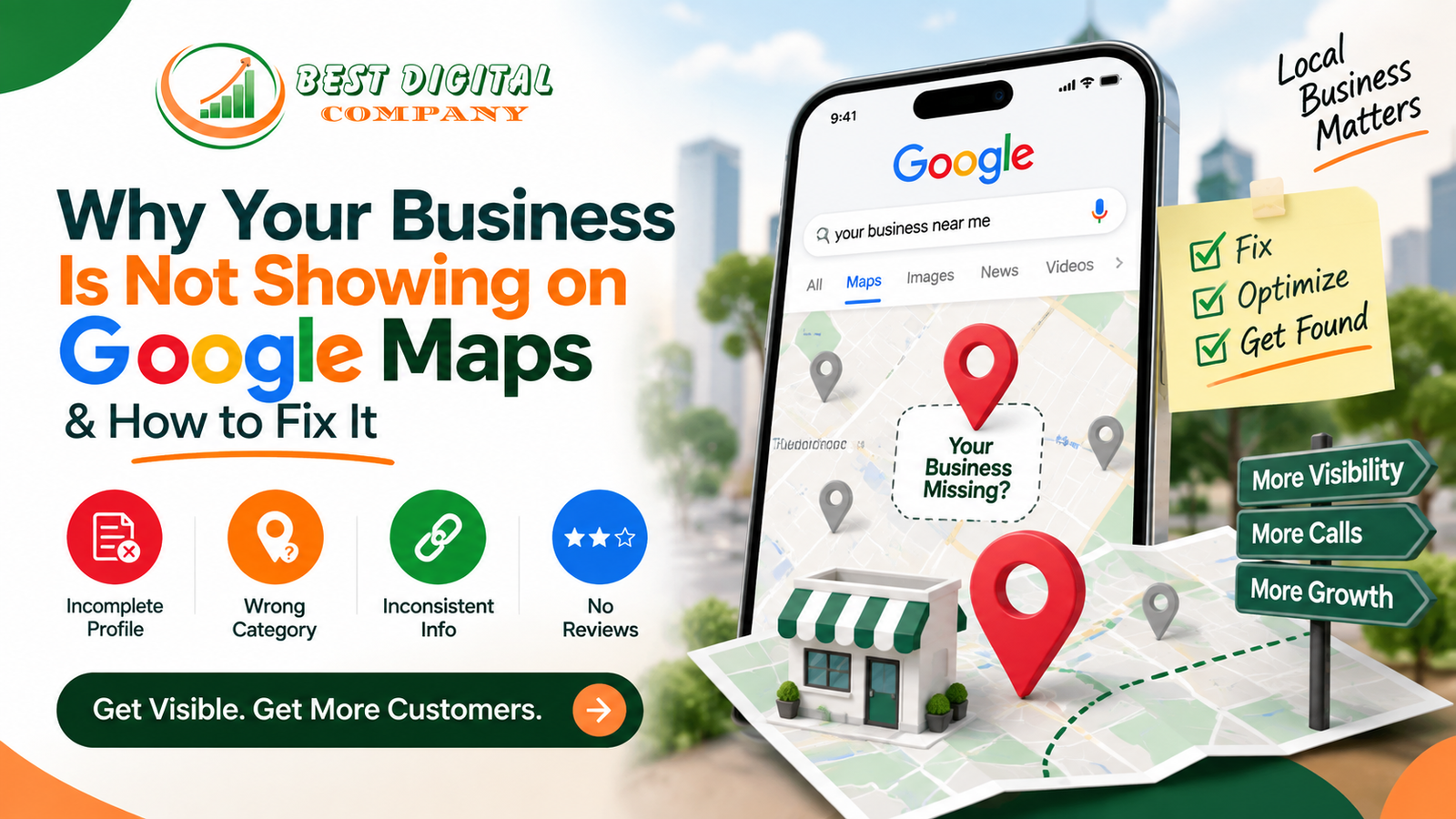
If you have typed your own business name into Google and felt that small drop in your stomach when nothing came up on the map, you are not alone. Every week, we get calls from shop owners, clinics, restaurants, and service providers who say some version of the same thing: “We used to show up, and now we don’t,” or “My competitor two streets away is ranking, and I’m nowhere to be found.”
It is a frustrating problem because, on the surface, it feels random. You have a real shop, real customers, and a real address — so why is Google treating you like you do not exist? The good news is that this almost never happens by accident. Google Maps rankings follow a fairly consistent set of rules, and once you understand what is going wrong, fixing it is usually straightforward.
In this guide, we will walk through exactly why a business is not showing on Google Maps, the technical and content-related reasons behind it, and the practical steps you can take to get back in front of local customers. This comes from years of hands-on local optimization work with businesses across Delhi, Noida, and Gurugram, so the fixes here are based on what has actually worked, not just theory.
What It Really Means When a Business Is Not Showing on Google Maps
Before jumping into fixes, it helps to understand what “not showing up” actually looks like in practice, because it is rarely all-or-nothing.
Sometimes it means your listing does not appear at all when someone searches your business name directly. Other times, it means you are missing from the local map pack — that group of three businesses with pins that appears above the regular results when someone searches something like “electrician near me” or “dentist in Sector 62.” And occasionally, it means your listing shows up, but only when people search your exact business name, never for the services or products you actually offer.
Each of these situations points to a different underlying cause, and understanding which one applies to you is the first step toward a real fix, not a guess.
Common Reasons Your Business Is Not Showing on Google Maps
There is rarely a single cause. In our experience working with local businesses, it is usually a combination of two or three of the following issues stacking on top of each other.
1. Your Google Business Profile Is Incomplete or Unverified
This is the most common reason, by far. Google needs a certain baseline of information before it will confidently place your business on the map for relevant searches. If your profile is missing your business category, hours, phone number, website, or photos, Google has less reason to trust and display it. An unverified listing is treated even more cautiously — in many cases, it will not show up in map results at all until verification is complete.
2. Your Business Category Is Wrong or Too Broad
Choosing “Store” instead of “Bakery,” or “Consultant” instead of “Tax Preparation Service,” seems harmless, but it directly affects which searches your listing is eligible to appear for. Google matches searcher intent to business categories very literally. If your primary category does not match what people are actually searching for, you will be invisible for those exact queries even if everything else about your profile is perfect.
3. Inconsistent Business Information Across the Web
Google cross-checks your business name, address, and phone number (often called NAP) against other places it finds your business mentioned online — directories, your own website, social profiles, and citation sites. If your address is written one way on your website and a different way on a directory listing, that inconsistency chips away at Google’s confidence in your listing, which can quietly suppress your visibility.
4. No Reviews, or a Review Pattern That Looks Unnatural
Businesses with zero reviews, or with a handful of reviews all posted on the same day, tend to rank lower and can, in some cases, trigger extra scrutiny from Google. Reviews are one of the strongest trust signals Google uses to decide who deserves a spot in local results.
5. Weak or Missing Local Signals on Your Website
Your Google Business Profile does not operate in isolation. Google also looks at your actual website to confirm the business is legitimate, active, and relevant to the area it serves. A site with no mention of your service area, thin content, or missing structured data around your business location weakens the connection between your website and your map listing.
6. Suspensions, Guideline Violations, or Duplicate Listings
Sometimes a listing gets suspended for violating Google’s guidelines — this can happen from keyword-stuffing your business name (for example, adding “best plumber Delhi” into your actual business name field) or having duplicate listings for the same location. If this has happened, your listing may be hidden entirely until the issue is resolved.
7. You Are New, and Google Simply Has Not Built Trust Yet
If your listing is genuinely new, it can take a few weeks of consistent activity — reviews coming in, photos being added, a complete profile — before Google starts showing it reliably. This is normal, and patience combined with the right groundwork usually resolves it.
How Local SEO Fixes the Problem Long-Term
Once you know why your business is not showing on Google Maps, the fix almost always runs through a structured local SEO approach rather than a single quick tweak. This is one of the reasons we built our Local SEO services in Delhi around exactly this problem — businesses that look strong on paper but are invisible where it counts, in local map results.
Local SEO is not just about the Google Business Profile itself. It involves aligning three things at once: your Google listing, your website, and the mentions of your business across the web. When these three pieces are consistent and complete, Google’s confidence in your listing grows, and visibility tends to follow. Trying to fix only one piece — say, adding more photos to your profile while your website still has no address or service pages — rarely produces lasting results, because Google is looking at the whole picture, not just one part of it.
Optimizing Your Google Business Profile the Right Way
If you take away one action item from this guide, make it this: your Google Business Profile deserves the same attention you would give your actual storefront.
Start with the basics. Fill in every field Google offers — business hours, service areas, attributes (such as wheelchair accessibility or outdoor seating), and a detailed business description that naturally mentions what you do and where you serve customers, without stuffing it with repeated keywords. Choose your primary category carefully, and add secondary categories only if they genuinely apply.
Photos matter more than most owners realize. Listings with a healthy number of recent, real photos tend to get more attention from both Google’s algorithm and actual customers browsing results. Add pictures of your storefront, your team, your products, and your workspace, and update them periodically rather than uploading a batch once and forgetting about it.
Verification should be completed properly and promptly. If your listing has been sitting unverified, that alone could explain your absence from map results.
Finally, treat your Google Business Profile as a living page, not a one-time setup. Post updates, respond to questions, and keep hours accurate, especially around holidays. Google rewards activity because it signals that a business is real and currently operating.
The Role of On-Page SEO and Website Signals
Your website plays a bigger role in Google Maps visibility than most business owners expect. Search engines look for confirmation that the address on your Google profile matches a real, active business with a real web presence.
This is where solid SEO services in Delhi make a measurable difference. A well-optimized website includes clear location pages, an embedded map, your NAP information in the footer, and content that naturally references the neighborhoods or cities you serve. If your website currently has none of this, it is one of the more overlooked reasons your business is not showing on Google Maps, even if your profile itself looks fine.
Schema markup is another piece worth mentioning here, even briefly. Adding LocalBusiness structured data to your website gives search engines a clean, machine-readable confirmation of your name, address, phone number, and hours, which reinforces everything your Google Business Profile is already telling them.
Why Reviews and Local Citations Matter More Than You Think
Reviews do two jobs at once: they build trust with the algorithm, and they build trust with actual customers deciding between you and the business next to you on the map.
A simple, sustainable system works best here. Ask satisfied customers for reviews at the natural moment after a good experience — right after a completed service, a successful purchase, or a positive interaction. Respond to every review, positive or negative, because that response activity itself is a signal Google tracks. Avoid review gating or incentivized reviews that violate platform policies, since this is one of the fastest ways to trigger a suspension.
Citations — mentions of your business name, address, and phone number on other reputable sites like local directories, industry associations, or news mentions — reinforce the same information Google already has. The goal is not volume for its own sake; the goal is consistency. Ten accurate citations will do more for you than fifty inconsistent ones.
How Social Media Activity Supports Local Visibility
It is easy to think of social media and Google Maps as unrelated, but they work together more than people assume. An active, consistent social presence signals that a business is genuinely operating, which indirectly supports the trust signals Google is already evaluating.
This is part of why we pair local optimization work with Social Media Marketing services for many of our Delhi-based clients. When your business is visibly active on Instagram or Facebook, sharing real photos, responding to comments, and maintaining consistent branding and location tagging, it reinforces the same story your Google profile is telling. It also gives customers another path to find and recognize your business, which supports the overall picture Google is trying to build about your legitimacy.
If you want a deeper look at how this plays out specifically in Delhi, our earlier piece on SMO services in Delhi breaks down how local businesses are using social platforms to support their growth beyond just search visibility.
Using Paid Ads While Your Local SEO Builds Momentum
Local SEO takes time. Even when everything is fixed correctly, it can take several weeks for Google to fully recognize the changes and reflect them in map rankings. If you need visibility right now — for a new location opening, a seasonal push, or simply because leads have dried up —Pay Per Click advertising through Google’s Local Services or Local Search campaigns can put you in front of nearby customers immediately while the organic groundwork is still being laid.
Think of this as a bridge rather than a replacement. Paid visibility gets you seen today; local SEO makes sure you keep being seen once the campaign budget runs out.
Why Your Website Itself Needs to Be in Good Shape
A business is not showing on Google Maps for another reason that gets overlooked constantly: the website linked to the profile is slow, outdated, broken, or simply does not load properly on a phone. Google factors in the overall health and credibility of the website connected to a business listing, and a poor website experience undercuts the trust you have worked to build everywhere else.
If your site has not been touched in years, was built on an outdated platform, or does not work well on mobile devices, it is worth revisiting through proper Website Development and Designing. A clean, fast, mobile-friendly site with clear service and location pages does more than convert visitors — it reinforces every other signal you are sending to Google about your business being active and legitimate.
The Bigger Picture: AI Search and How Local Discovery Is Changing
It is worth mentioning that local discovery is not staying static. Search behavior is shifting toward AI-driven answers and summaries, and this is starting to influence how people find local businesses too. We covered this shift in detail in our post on how AI search is changing SEO, and the same principles apply here: consistent, accurate, well-structured business information is becoming even more important, not less, as AI systems pull together answers from multiple sources.
If you are curious about how traditional optimization compares with these newer approaches, our breakdown of GEO vs SEO explains where the two overlap and where they differ. The short version for local businesses: get your Google Business Profile, website, and citations right first. That foundation is exactly what both traditional search and newer AI-driven discovery tools rely on.
A Practical Checklist to Fix Google Maps Visibility
Here is a condensed sequence you can work through, roughly in order of impact:
- Confirm your Google Business Profile is verified and fully complete, including category, hours, description, and service areas.
- Correct your business category if it does not match what customers actually search for.
- Audit your business name, address, and phone number across your website and any directories, and fix inconsistencies.
- Add recent, genuine photos and keep them updated.
- Build a steady, honest flow of customer reviews and respond to all of them.
- Check your website for a clear address, embedded map, and location-specific content.
- Add LocalBusiness schema markup to your website if it is missing.
- Make sure your website loads quickly and works properly on mobile devices.
- Stay active on social media with consistent branding and location details.
- Consider a short-term paid campaign if you need visibility immediately while these fixes take effect.
None of these steps are complicated on their own. The difficulty is usually in doing all of them consistently and in the right order, which is exactly where a lot of business owners run out of time.
When It Makes Sense to Bring in Professional Help
Some business owners can work through this checklist themselves over a weekend. Others are running a business full-time and simply do not have the hours to audit citations, fix schema markup, and manage a review strategy on top of everything else.
If you are in the second group, working with an experienced local team can shorten the timeline significantly. Our Digital Marketing Agency covering Delhi NCR has handled this exact situation repeatedly for businesses across Delhi, Noida, and Gurugram, combining local SEO, website fixes, and social presence into one coordinated plan instead of treating each piece separately.
Frequently Asked Questions
Why is my business not showing on Google Maps at all, even when I search the exact name?
This usually points to a verification issue, a suspended listing, or a duplicate profile competing for the same business. Start by checking your Google Business Profile dashboard for any alerts or pending verification steps.
How long does it take for a business to start showing on Google Maps after fixing these issues?
It varies, but most businesses see meaningful movement within two to six weeks after completing their profile, correcting citations, and building a steady stream of reviews. Newer businesses or ones recovering from a suspension may take a bit longer.
Can a wrong business category really stop me from appearing in local searches?
Yes. Category selection directly affects which searches your listing is eligible to appear in, so an inaccurate or overly generic category can quietly keep you out of relevant results even if the rest of your profile looks complete.
Does having no reviews mean my business will not show up on Google Maps?
Not having reviews will not automatically hide your listing, but it does put you at a disadvantage compared to competitors with an active review history, since reviews are one of the stronger trust signals Google uses when ranking local results.
Is it possible to fix Google Maps visibility without touching my website?
You can make some progress by optimizing the Google Business Profile alone, but lasting results usually require your website to reinforce the same information — matching address details, location-relevant content, and basic technical health like mobile speed.
Should I run paid ads if my business is not showing on Google Maps?
Paid campaigns can help you stay visible to nearby customers while your organic local optimization takes effect, but they work best as a short-term supplement rather than a permanent replacement for fixing the underlying visibility issues.
What is the fastest single fix if I only have time to do one thing this week?
Completing and verifying your Google Business Profile, including an accurate category and a filled-out business description, tends to produce the most noticeable improvement for the least effort.
Final Thoughts
Being invisible on Google Maps is almost never a sign that something is fundamentally wrong with your business — it is usually a handful of fixable gaps between what Google needs to see and what it is currently seeing. Complete your profile, get your business information consistent everywhere it appears, keep collecting honest reviews, and make sure your website backs up the story your listing is telling.
If you have worked through the checklist above and are still not seeing movement, it may be worth a second set of eyes on your profile and website to spot what is being missed. That is exactly the kind of audit our team runs for local businesses every week, and it is often faster to fix than owners expect once the real cause is identified.

Add a Comment