
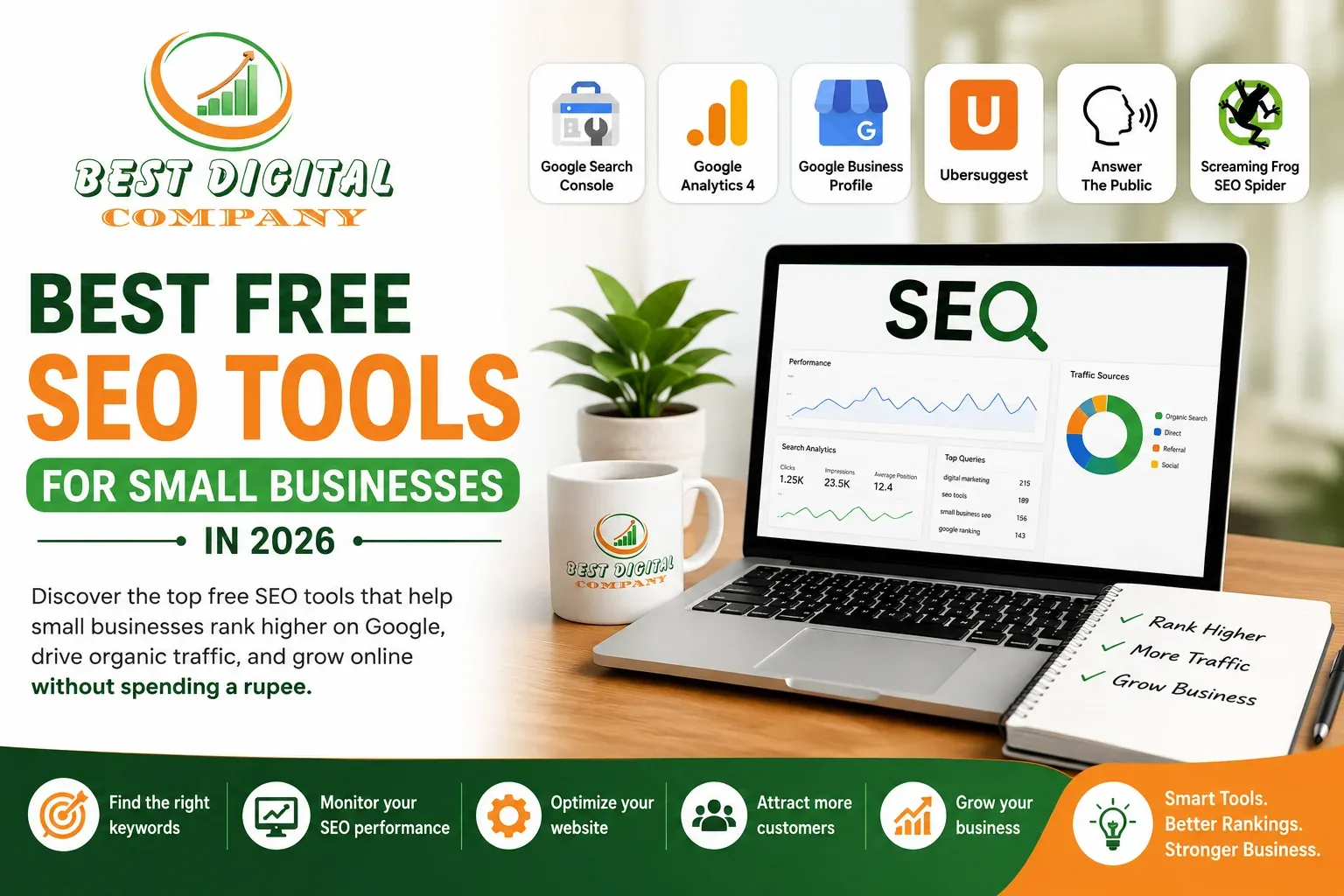
Discover the top free SEO tools that help small businesses rank higher on Google, drive organic traffic, and grow online without spending a rupee.
Running a small business is already a full-time job. Between managing customers, handling operations, and keeping your finances in check, it can feel impossible to also think about showing up on Google. But here’s the truth, if people can’t find you online, you’re leaving serious money on the table.
The good news? You don’t need a massive marketing budget to compete. There are powerful, free SEO tools available today that can give your small business the same visibility advantages that big brands enjoy. You just need to know which ones are actually worth your time.
At Best Digital Company, we’ve helped dozens of small and medium-sized businesses in Delhi and across India build strong organic search presences often starting with these exact free tools. In this guide, we’re breaking down the best free SEO tools for small businesses, what they do, and exactly how to use them.
Why SEO Matters for Small Businesses
Before we dive into the tools, let’s address the elephant in the room, why does SEO even matter for a small, local business?
Think about your own behaviour. When you need a plumber, a bakery, or a digital marketing agency, where do you go first? Google. Your potential customers do the same. Studies consistently show that over 90% of online experiences begin with a search engine, and the first page of Google captures nearly 95% of all clicks.
If you’re not showing up on page one, you’re practically invisible. SEO fixes that and free tools make it accessible to businesses at every level.
Let’s get into the tools.
1. Google Search Console – Your SEO Command Centre
What It Is
Google Search Console (GSC) is a free tool directly from Google that shows you exactly how your website performs in Google Search. If you only set up one tool from this entire list, make it this one.
What It Does for Small Businesses
- Shows which search queries are driving traffic to your site
- Identifies which pages are getting impressions but low clicks (a huge opportunity)
- Flags technical errors like broken pages, crawl issues, and mobile usability problems
- Lets you submit your sitemap so Google indexes your pages faster
- Tracks your average ranking position for different keywords
Pro Tip
In the Performance tab, look for keywords where your site appears in positions 8–20. These are your low-hanging fruit. With a little content optimisation, you can push those to page one and dramatically increase your traffic without creating brand-new content.
2. Google Analytics 4 – Understand Your Visitors
SEO isn’t just about getting visitors ,it’s about getting the right visitors. Google Analytics 4 (GA4) tells you what those visitors do once they land on your site.
What You’ll Learn
- Which pages visitors spend the most time on (these are your best-performing pages)
- Where your traffic comes from organic search, social media, direct, referrals
- Which pages have high bounce rates (visitors leave immediately something needs fixing)
- User demographics and interests, helping you create better-targeted content
- Conversion tracking ,are visitors actually taking action (calling, buying, enquiring)?
When used together, Google Search Console and GA4 give you a nearly complete picture of your SEO health all for free.
3. Google Business Profile – The Local SEO Game-Changer
If your business serves a local area -0 a shop, a clinic, a restaurant, a service provider — Google Business Profile (GBP) is arguably the most important free SEO asset you have. This is what makes your business show up in the Google Maps section and the local “3-pack” that appears at the top of local searches.
How to Maximise It
- Fill out every single field, business name, address, phone, hours, website, categories
- Upload high-quality photos of your premises, team, and products/services
- Actively collect and respond to Google reviews (this directly impacts your local ranking)
- Post regular updates, offers, and events using the Posts feature
- Use the Q&A section to answer common customer questions before they even ask
For small businesses in Delhi and other Indian cities, an optimised Google Business Profile can be the difference between a phone that rings and one that doesn’t.
4. Ubersuggest – Keyword Research Without the Price Tag
Keyword research is the foundation of all SEO. If you’re creating content without knowing what your potential customers are actually searching for, you’re writing into the void. Ubersuggest, created by digital marketing expert Neil Patel, offers a solid free tier for keyword research.
Key Features (Free Tier)
- Keyword suggestions with monthly search volume and competition scores
- Content ideas based on what’s already ranking for your target keyword
- Backlink data showing who links to your competitors
- Site audit tool to spot on-page SEO issues
- Competitor analysis see what’s working for businesses like yours
Start by typing in your main business keyword (e.g., “digital marketing Delhi” or “bakery Lajpat Nagar”) and explore the related keywords it suggests. Look for keywords with decent search volume but low SEO difficulty those are the ones you can realistically rank for.
5. AnswerThePublic – Discover What Your Customers Are Asking
One of the most underrated free SEO tools for small businesses is AnswerThePublic. Enter a keyword and it generates a visual map of all the questions, prepositions, and comparisons people type into search engines related to that topic.
This is gold for content creation. Instead of guessing what to write about, you’re answering questions your customers are already asking Google. Each question becomes a potential blog post, FAQ section, or service page.
For example, if you’re a digital marketing agency, you might discover questions like:
- “How much does SEO cost for a small business?”
- “Is social media marketing worth it for local businesses?”
- “What is the difference between SEO and PPC?”
Each one of those is a blog post waiting to be written content that captures real search intent and drives qualified leads to your site.
6. Yoast SEO – On-Page Optimisation Made Simple (WordPress Users)
If your website runs on WordPress (and many small business sites do), Yoast SEO is an essential free plugin. It removes the guesswork from on-page optimisation by giving you real-time feedback as you write.
What Yoast Does
- Guides you to write an optimised SEO title and meta description for every page
- Analyses your content’s readability and keyword usage
- Automatically generates XML sitemaps to help Google crawl your site
- Adds structured data (schema markup) to help your site appear in rich snippets
- Alerts you to thin content, missing alt text, and other on-page issues
Think of Yoast as a junior SEO assistant that sits in your WordPress dashboard and tells you what to fix before you hit publish.
7. Screaming Frog SEO Spider (Free Version) – Technical SEO Audit
Technical SEO is the backbone of your website’s performance in search. Even the best content won’t rank if your site has broken links, missing meta tags, duplicate pages, or slow load times. Screaming Frog’s free version crawls up to 500 URLs and identifies exactly these kinds of issues.
What to Look For
- Pages returning 404 errors (broken pages hurt both users and rankings)
- Missing or duplicate title tags and meta descriptions
- Images without alt text (accessibility and SEO issue)
- Pages that redirect incorrectly (redirect chains)
- Thin content pages with very little text
Run a crawl once a month to catch issues before they tank your rankings. For sites under 500 pages, the free version is all you’ll need.
8. Google PageSpeed Insights – Speed Up Your Site
Page speed is a confirmed Google ranking factor, and it also directly affects your conversion rate. Research shows that if a page takes longer than 3 seconds to load, more than half of visitors will leave. Google PageSpeed Insights is a free tool that analyses your website’s loading speed and tells you exactly what to fix.
It breaks down issues into categories like image compression, unused JavaScript, and render-blocking resources and for most issues, it tells you specifically how to fix them. This is especially important in India, where many users browse on mobile data connections.
Aim for a score above 70 on mobile. Anything under 50 is a red flag that’s likely hurting your rankings and your user experience.
9. MozBar – Quick On-Page Analysis in Your Browser
MozBar is a free Chrome extension that adds an SEO toolbar to every page you visit. As you browse your own site or your competitors’ sites, it shows you critical SEO data at a glance.
- Domain Authority (DA) – a score indicating how strong a website’s backlink profile is
- Page Authority – the strength of a specific page
- On-page elements like title tags, meta descriptions, and header structure
- Link metrics – see how many links a page has and where they go
- Keyword highlighting on any search results page
MozBar is great for competitive research before you create content or target a keyword, check the Domain Authority of the pages currently ranking to understand how competitive the space is.
10. Ahrefs Webmaster Tools – Free Backlink & Keyword Data for Your Site
Ahrefs is one of the most powerful SEO tools in the world and while the full version is expensive, their free Webmaster Tools product gives small business owners something incredibly valuable: complete backlink and keyword data for their own website.
What You Get for Free (Verified Site Only)
- Full backlink profile – see every site linking to you
- Organic keywords – every keyword your site ranks for in Google
- Site health score with prioritised technical issues to fix
- Broken backlinks – find and reclaim links pointing to deleted pages
- Top pages by organic traffic and ranking position
You simply verify your website (the same process as Google Search Console), and Ahrefs gives you a level of insight that used to cost hundreds of dollars a month. For any small business serious about SEO, this is a must-use.
How to Use These Tools Together: A Simple Monthly SEO Routine
You don’t need to use all ten tools every day. Here’s a simple monthly routine that covers all the bases:
- Week 1 – Content: Use AnswerThePublic and Ubersuggest to find keywords and content ideas. Write one optimised blog post or update an existing page.
- Week 2 – Technical: Run a Screaming Frog crawl. Fix any broken links or missing meta tags. Check Google PageSpeed Insights and action the top recommendations.
- Week 3 – Performance: Log into Google Search Console. Review which pages got impressions without clicks. Update those pages to better match search intent.
- Week 4 – Local & Links: Update your Google Business Profile with a new post or photos. Check Ahrefs Webmaster Tools for any new backlinks and respond to Google reviews.
That’s roughly 2-3 hours a month. Consistent effort with free tools will outperform inconsistent use of expensive tools every single time.
Frequently Asked Questions
Can free SEO tools really help my small business rank on Google?
Yes ,absolutely. Google Search Console, Google Business Profile, and Ahrefs Webmaster Tools are all free and are used by professional SEO agencies (including ours) every single day. The paid tools mainly offer more data on competitor sites; for your own site, free tools cover the essentials extremely well.
How long does it take to see results from SEO?
SEO is a long-term investment. Most businesses start seeing meaningful improvements within 3 -6 months of consistent effort. Local SEO (through Google Business Profile) can show results faster, sometimes within weeks of optimisation.
Do I need all 10 of these tools?
Not all at once. Start with Google Search Console, Google Analytics 4, and Google Business Profile, these three alone will give you a solid foundation. Add the others progressively as you get comfortable.
What is the most important free SEO tool for a local business?
Google Business Profile, without question. If your business serves a local area, an optimised GBP listing is the fastest way to appear in relevant local searches and on Google Maps.
Final Thoughts – Start Today, Grow Tomorrow
SEO doesn’t have to be expensive or complicated. With the ten free tools covered in this guide, you have everything you need to build a solid organic search presence, understand your audience, and outrank your competitors even on a tight budget.
The key is consistency. Pick two or three tools, get comfortable with them, and build from there. Small, regular improvements compound over time into significant results.
And if you’d like expert help implementing these strategies or if you want to accelerate your growth with a tailored SEO campaign our team at Best Digital Company is here to help. We’ve been helping businesses across Delhi and India grow their online presence through smart, ethical SEO strategies that deliver real, measurable results.
Ready to Grow Your Business Online? Get a free SEO audit from Best Digital Company — Delhi’s trusted digital marketing experts.
🌐 Website: https://bestdigitalcompany.com 📞 Phone: +91 8587948051 📧 Email: Contact@bestdigitalcompany.com

Add a Comment