

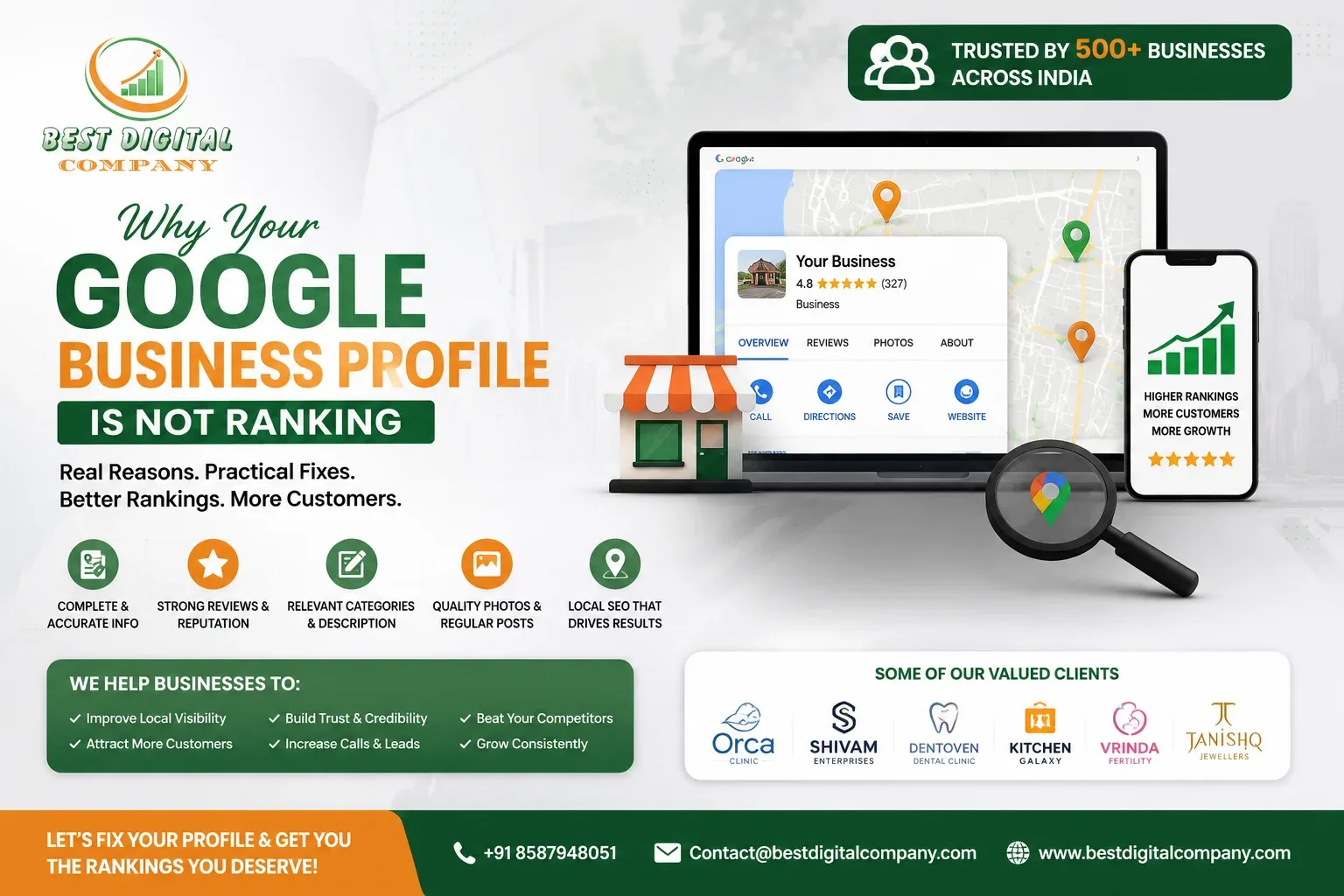
If you have typed your own business name into Google and felt a small sinking feeling because a competitor showed up above you, or because your listing didn’t appear in the map pack at all, you are not alone. We hear this almost every week from shop owners, clinics, restaurants, and service providers across Delhi and Noida. They have claimed their profile, added a logo, maybe posted a photo or two, and then waited. And waited. Nothing changes.
A Google Business Profile is one of the few free assets a local business gets directly from Google, yet most owners treat it like a digital business card and forget about it. The truth is that ranking in local search results works a lot like ranking a website. It rewards consistency, real activity, and trust signals built over time, not a one-time setup.
In this guide, we will walk through the real, practical reasons your profile might be invisible or stuck below competitors, and what actually moves the needle. This is not a list of quick hacks. It is the same process we use when a client comes to us frustrated that their business “used to show up” or “never shows up at all.”
Common Reasons Your Google Business Profile Isn’t Showing Up
Before fixing anything, it helps to understand what Google is actually trying to measure. Local ranking depends on three broad pillars: relevance (does your profile match what the person searched for), distance (how close you are to the searcher), and prominence (how well-known and trusted your business appears to be, both online and offline).
Most businesses lose points on prominence and relevance, not distance, since you cannot control where a customer is standing. That means the fixable part is almost always about how complete, active, and trustworthy your profile looks compared to competitors sitting above you.
A profile that hasn’t been touched in six months, has three photos, no recent reviews, and a generic category is going to lose to a competitor who posts updates, replies to every review, and has filled out every available field. This is not a coincidence. It is Google rewarding effort and evidence of a real, active business.
Incomplete or Inconsistent Business Information Is Costing You Trust
The single most common issue we find when auditing a profile is inconsistency. Your business name, address, and phone number (often shortened to NAP by marketers) need to match exactly across your Google listing, your website, and any directory that mentions you. If your website footer says “Suite 4B” and your Google listing says “Unit 4B,” that tiny mismatch can create doubt in Google’s systems about whether these are really the same business.
Here is what we usually check first during an audit:
- Is the business name on the profile identical to the legal or trading name used on the website and signage, without keyword stuffing added to it?
- Is the address formatted the same way everywhere it appears online?
- Is the phone number the same one used on the website’s contact page and in call tracking, if any is used?
- Are business hours updated for holidays and special closures?
If your website itself has structural or technical problems, these inconsistencies multiply. This is one of the reasons a proper website launch process matters so much; our team put together a detailed website launch SEO checklist specifically because so many sites go live with these small details overlooked, and they end up haunting local rankings for months afterward.
Weak Reviews and Reputation Signals Hold You Back
Reviews are not just a trust signal for customers, they are one of the strongest prominence signals Google uses to decide who deserves to rank. A business with 12 reviews at a 4.9 average is going to struggle against a competitor with 300 reviews at 4.6, even if your service is genuinely better.
What surprises most owners is that it is not only the star rating that matters. Google’s systems appear to read the actual text of reviews, matching keywords customers use naturally, like the service they booked or the neighborhood they are writing from. A steady stream of recent reviews mentioning your services in normal language does more for relevance than any keyword you could stuff into your business description.
We recommend three practical habits here:
- Ask happy customers for a review at the natural end of a transaction, not weeks later through a generic bulk text message.
- Respond to every review, positive or negative, professionally and promptly. An unanswered negative review sitting there for a year signals neglect.
- Never offer incentives in exchange for reviews. Google’s guidelines are strict about this, and it can put your entire profile at risk of suspension.
Reputation management is closely tied to how a brand behaves across other channels too. If your social presence looks abandoned while your competitor is actively engaging followers, it reinforces the same impression of inactivity. This is exactly the gap we described in our piece on why brands are finally taking social media marketing seriously in 2026, because customers, and increasingly Google’s own systems, treat an active social presence as another proof point that a business is real and cared for.
Category and Description Choices That Quietly Hurt Relevance
Choosing the wrong primary category is one of the most underrated mistakes we see. A dentist listed under “Doctor” instead of “Dentist,” or a boutique gym listed under “Gym” when “Personal Trainer” better reflects the actual service, will struggle to appear for the exact searches that matter most.
Your primary category should describe what you fundamentally are, not everything you offer. Secondary categories exist for the additional services. If you try to cram every service into the primary category or the business name field, Google can flag this as an attempt to manipulate rankings, which does more harm than good.
The business description field is another place owners either leave blank or fill with keyword-stuffed sentences that read like they were written for a search engine crawler rather than a person. Write it the way you would describe your business to a new customer standing in front of you. Mention your services naturally, your location, and what makes you different. This is the same principle behind good on-site search engine optimization: content written for people, that happens to also satisfy search intent, consistently performs better than content written purely to game rankings.
Weak Website Signals Are Dragging Your Profile Down
Your Google Business Profile does not exist in isolation. It links back to your website, and Google cross-references that website constantly to validate relevance and trust. If your website is slow, not mobile-friendly, or missing basic structured information about your business, it drags down the profile that points to it.
We often find that businesses with strong profiles but weak websites hit a ceiling in rankings they cannot explain. The profile looks perfect, but the linked website has no local schema markup, thin content, or broken internal navigation. A well-built site, supported by proper web development practices, gives Google far more confidence that your business is legitimate and established.
Internal linking on your website plays a bigger role here than most business owners realize. When your service pages, location pages, and blog content link to each other logically, it helps search engines understand the full picture of your business rather than treating each page as an isolated island. We go into this in more depth in our guide on internal linking strategy, which explains how link equity moves through a site and why scattered, disorganized linking quietly caps your visibility.
Landing pages matter too, particularly if you are running any paid traffic toward your business. A page that fails to convert visitors reflects poorly on user engagement metrics, and Google does pay attention to how people behave once they land somewhere from a search result. If your current pages are not converting well, this piece on SEO landing pages that actually convert is worth reading alongside this one.
Ignoring Google Posts, Photos, and Regular Activity
Google Business Profile has a built-in feature called Posts that lets you share updates, offers, and events directly on your listing, similar to a mini social feed. Very few businesses use it consistently, and that inactivity is visible. A profile with no posts in the last few months, compared to a competitor posting weekly updates, sends a clear signal about which business is actively maintained.
Photos work the same way. Listings with fresh, regularly updated photos of the interior, exterior, products, staff, and completed work tend to earn more clicks and more trust than static profiles with five-year-old images. Customers judge a business visually before they ever walk in, and Google’s own data has shown that profiles with more photos receive noticeably more requests for directions and website clicks than those without.
This is really an extension of good social media marketing habits. If your team already creates content for Instagram or Facebook, repurposing the best of it as Google Posts and profile photos takes very little extra effort and keeps your listing looking active without creating new work from scratch.
Duplicate Listings, Suspensions, and Verification Problems
Sometimes the issue isn’t ranking at all, it’s visibility. Duplicate listings are surprisingly common, especially for businesses that have moved locations, rebranded, or had multiple people create profiles over the years without realizing one already existed. When Google detects duplicates, it can suppress both, or rank neither well, because it cannot confidently decide which one is authoritative.
Suspensions are another silent killer. A profile can be suspended for guideline violations like a keyword-stuffed business name, incentivized reviews, or an unverified address, and the business owner may not even notice for weeks because the listing simply stops showing up rather than displaying an obvious error message.
If you suspect either problem, search for your business name plus your city and check carefully whether more than one listing appears, and confirm your profile still shows a verified badge in your dashboard. These fixes are foundational. No amount of new content or reviews will help a profile that is duplicated or suspended.
How Paid Visibility Can Support You While Organic Fixes Take Hold
Local ranking fixes are not instant. Category corrections, review growth, and consistency cleanup typically take weeks to show measurable movement. During that period, a well-targeted local pay per click campaign can keep your business visible to nearby customers actively searching for what you offer, without waiting for organic signals to catch up.
This is not a replacement for fixing the underlying profile issues, it is a bridge. We have seen the best results when businesses run PPC campaigns alongside profile cleanup rather than choosing one over the other. If you want a deeper look at how to choose the right local PPC approach without wasting budget, our guide on PPC services and how to pick an agency that actually grows your business walks through exactly what to look for.
A Practical Checklist to Fix and Improve Your Google Business Profile
Rather than trying to fix everything at once, work through these in order:
- Verify accuracy first. Confirm your business name, address, phone number, and hours match exactly across your website and profile.
- Correct your category. Choose the most specific primary category available, and add relevant secondary categories without overloading them.
- Rewrite your business description. Make it sound human, specific to your location and services, and free of keyword stuffing.
- Audit for duplicates and suspensions. Search your business name plus city and check your dashboard for a verified status.
- Build a review habit. Ask consistently, respond to every review, and never pay for or incentivize them.
- Post regularly. Aim for at least one Google Post a week, even if it’s a repurposed social update.
- Refresh your photos quarterly with real, current images of your business.
- Strengthen your website. Fix load speed, mobile usability, and make sure your site’s structure and internal linking clearly reflect your services and location.
- Consider supporting organic efforts with local PPC while these changes take effect.
None of these steps are secret. What separates businesses that rank from the ones that don’t is usually just consistency, applied over months rather than days. If you have already tried a few of these and are still not seeing movement, it may be worth a professional audit rather than continuing to guess. We cover what to actually look for in an agency, rather than empty promises of guaranteed rankings, in our guide to choosing the right digital marketing company in Delhi and Noida.
Final Thoughts
A Google Business Profile that isn’t ranking is rarely broken beyond repair. It is almost always under-maintained. Google is simply looking for evidence that a business is real, active, accurately represented, and trusted by the people who have actually visited it. Every fix described above is really just a way of giving Google that evidence more clearly and more consistently than the competitor currently sitting above you.
If your website itself needs attention alongside your profile, whether that’s better search engine optimization foundations or a full rebuild, it is worth treating both as part of the same local visibility strategy rather than separate projects. The businesses that rank consistently are the ones that treat their online presence as a whole, not a checklist item to complete once and forget.
Frequently Asked Questions
How long does it take for a Google Business Profile to start ranking after fixes are made?
Most businesses start noticing small improvements within three to six weeks of correcting core details like category, description, and consistency issues. Review growth and photo updates tend to compound over a longer period, often three to four months, before their full effect on ranking becomes visible.
Does the number of reviews matter more than the star rating?
Both matter, but a higher volume of recent, genuine reviews tends to carry more weight for visibility than a slightly higher average rating with very few reviews. A steady flow of new reviews also signals ongoing customer activity, which Google factors into prominence.
Can I change my business category without losing my current ranking?
Yes, and in most cases a more accurate category improves relevance rather than hurting it. There may be a short adjustment period as Google recalculates relevance for the new category, but an accurate category almost always performs better long-term than a mismatched one.
Why does my competitor with fewer reviews outrank me?
Ranking depends on more than reviews alone. Category accuracy, proximity to the searcher, completeness of the profile, website quality, and recent activity like posts and photos all combine to determine position. A competitor may be winning on one or several of these factors even with fewer reviews.
Is it against the rules to ask customers for reviews?
No, asking is allowed and encouraged. What is not allowed is offering money, discounts, or any incentive in exchange for a review, or asking customers to leave only positive reviews. A simple, honest request at the right moment is the safest and most effective approach.
Will paid advertising fix a poor Google Business Profile ranking?
Paid advertising can increase visibility for your business immediately, but it does not fix the underlying organic ranking issues on your profile. Think of it as a temporary bridge that keeps you visible to customers while you work through the organic fixes described above.
My profile shows my business is suspended. What should I do first?
Review your listing for any recent changes, such as an edited business name, category, or address, that might have triggered a guideline flag. Correct anything that looks like a violation, then use Google’s official reinstatement request process through the Business Profile dashboard. Avoid creating a new listing while a suspension is under review, as this often leads to duplicate listing issues later.

Add a Comment