
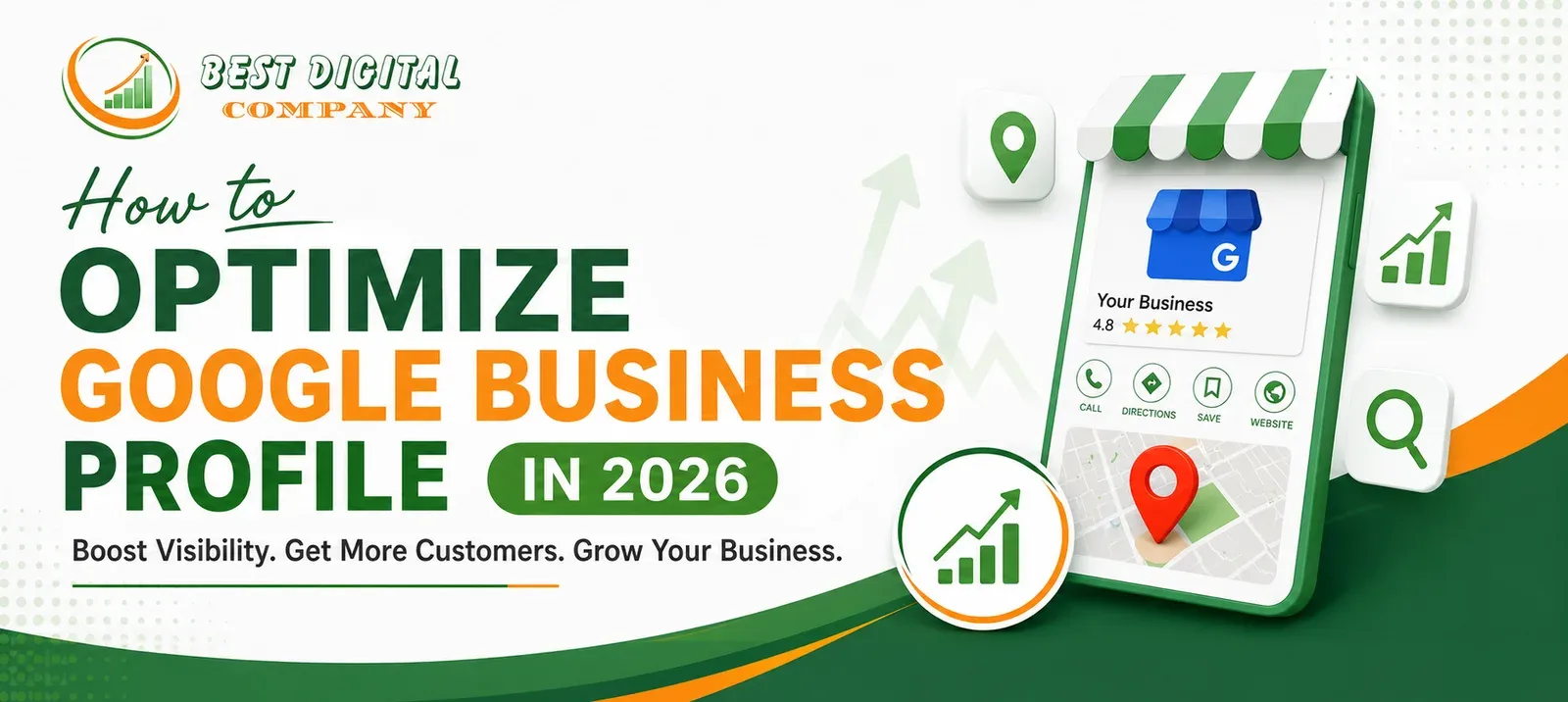
In 2026, local search has become the battlefield where businesses win or lose customers before a competitor’s website even loads. If you run a business in India — whether you are seeking SEO services in Punjab, scaling up with SEO services in Mumbai, growing visibility through SEO services in Delhi, or tapping into local demand with SEO services in Haryana — your Google Business Profile (GBP) is the single most powerful free tool at your disposal.
Google Business Profile is no longer just a digital visiting card. It is a dynamic, AI-enhanced listing that influences map pack rankings, voice search results, and local buying decisions every single day. Yet most businesses in India still treat it as a one-time setup task — fill in the address, add a phone number, and forget it.
That approach will not survive 2026.
This guide walks you through every step of optimizing your Google Business Profile this year, with actionable strategies that work whether you are a startup in Ludhiana, a retailer in Connaught Place, a firm in Chandigarh, or an agency in Andheri.
1. Claim and Verify Your Profile — The Right Way
Before optimization begins, ownership must be confirmed. Visit business.google.com, search for your business, and claim it. Google verification in 2026 includes video verification, postcard, phone, and email options. Video verification has become the most common method — you will be asked to record a short clip showing your shopfront, interior, and proof of ownership.
If you are working with an agency offering SEO services in Punjab or any other state, make sure ownership of the GBP remains with your business account, not the agency’s.
Pro Tip: Once verified, add trusted managers rather than sharing your primary login credentials.
2. Choose the Right Business Category (Primary + Secondary)
Your primary category is the single most important ranking signal in your GBP. Google uses it to decide which searches your listing is eligible to appear for.
- Be specific. “Digital Marketing Agency” outperforms “Marketing Company.”
- Add up to 10 secondary categories to capture adjacent searches.
- Revisit categories quarterly — Google frequently adds new options.
Businesses offering SEO services in Delhi have found that adding categories like “Internet Marketing Service” and “Advertising Agency” alongside their primary category significantly improves impressions in the local map pack.
3. Write a Keyword-Rich Business Description
Your business description (up to 750 characters) is not directly a ranking factor, but it influences click-through rates and builds trust. Include:
- What you do and who you serve
- Your primary locations or service areas
- A natural mention of key services
Example: “We provide result-driven digital marketing and SEO services in Punjab, helping local businesses rank higher on Google and attract more customers. Serving clients across Chandigarh, Amritsar, Ludhiana, and beyond, our team specializes in local SEO, content strategy, and Google Business Profile optimization.”
Avoid keyword stuffing. Write for humans first, search engines second.
4. Keep NAP Consistency Across the Web
NAP stands for Name, Address, and Phone Number. Inconsistency in your NAP across Google, Justdial, Sulekha, IndiaMART, and your website confuses search engines and hurts rankings.
Audit your listings regularly. Businesses scaling with SEO services in Mumbai often discover dozens of duplicate or outdated listings on third-party directories that silently damage their local authority.
Use tools like Moz Local or BrightLocal to run a citation audit and clean up inconsistencies.
5. Upload High-Quality Photos and Videos Consistently
Profiles with photos receive significantly more direction requests and website clicks than those without. In 2026, Google’s AI actively evaluates photo quality and recency as engagement signals.
What to upload:
- Exterior photos (taken from multiple angles and in daylight)
- Interior shots showing your workspace or store
- Team photos (builds trust)
- Product or service images
- Short videos (30–90 seconds) showcasing your process or customer experience
Aim to add at least 2–3 new photos every week. Businesses utilizing SEO services in Haryana who commit to a consistent photo-upload schedule consistently outperform competitors in the local pack.
6. Leverage Google Posts Every Week
Google Posts appear directly on your listing and act like mini social media updates. In 2026, Posts are more visible than ever — they appear in mobile search results prominently.
Use Posts for:
- Promotions and offers
- New service announcements
- Events and webinars
- Blog content snippets with a CTA
Each post expires after 7 days (offers can last longer), so consistency is critical. Treat your GBP like a social channel, not a static directory.
7. Collect and Respond to Reviews — Strategically
Reviews are the lifeblood of local SEO. The quantity, quality, recency, and your responses all factor into ranking.
To build reviews:
- Ask satisfied customers directly (in person, via WhatsApp, or email)
- Add a QR code to your invoice or visiting card that links to your review page
- Automate review requests using CRM integrations
Responding to reviews:
- Respond to every review — positive and negative — within 48 hours
- For positive reviews, thank the customer and mention your service or location naturally
- For negative reviews, stay professional, acknowledge the concern, and offer resolution offline
Agencies offering SEO services in Delhi report that clients who respond to reviews consistently see a measurable improvement in local pack rankings within 60–90 days.
8. Use the Q&A Section Proactively
The Questions & Answers section is often ignored — but it is a goldmine. Anyone can ask a question on your profile, and anyone (including your competitors) can answer it.
Take control:
- Seed the Q&A section yourself with common customer questions
- Answer every question thoroughly
- Include relevant keywords naturally in your answers
This section also surfaces in voice search results, making it especially valuable as smart speaker usage grows in India.
9. Enable and Optimize Messaging
Google’s built-in messaging feature lets potential customers contact you directly from your listing. In 2026, response time is tracked and displayed publicly.
Enable messaging, set up automated welcome messages, and aim to respond within one hour. Fast response times improve your listing’s engagement signals and reflect positively on your brand.
10. Track Insights and Iterate
Google Business Profile Insights provides data on:
- How customers find your listing (direct vs. discovery search)
- Search queries that triggered your listing
- Actions taken (calls, website visits, direction requests)
- Photo views vs. competitor averages
Use this data monthly. If direction requests are low, improve your exterior photos and area descriptions. If calls are dropping, revisit your business hours and phone number accuracy.
Businesses investing in SEO services in Mumbai or SEO services in Punjab that pair GBP optimization with regular Insights reviews consistently outperform those who set and forget.
Conclusion: Your GBP Is a Living Asset
Optimizing your Google Business Profile in 2026 is not a one-time task — it is an ongoing commitment. The businesses that dominate local search are those that treat their GBP with the same attention they give their website or social media. Whether you are a small retailer in Patiala, a law firm in Gurugram, a clinic in Bandra, or a manufacturer in Faridabad, these strategies apply to you.
If you need professional support, partnering with experts who specialize in SEO services in Punjab, SEO services in Haryana, SEO services in Delhi, or SEO services in Mumbai can accelerate your results and keep your strategy aligned with Google’s ever-evolving algorithm.
The local search race in 2026 rewards consistency, relevance, and engagement. Start optimizing today.
Frequently Asked Questions (FAQs)
Q1. What is Google Business Profile and why is it important for local SEO?
Google Business Profile (formerly Google My Business) is a free tool that lets businesses manage how they appear in Google Search and Maps. It is crucial for local SEO because it directly influences your visibility in the local map pack, which appears above organic results for location-based searches.
Q2. How long does it take to see results after optimizing my Google Business Profile?
Most businesses begin to see measurable improvements in impressions and clicks within 30–60 days of consistent optimization. Full results — including map pack rankings — typically take 3–6 months depending on competition and the completeness of your profile.
Q3. Can I optimize my Google Business Profile without hiring an SEO agency?
Yes, you can follow the steps in this guide independently. However, if you operate in competitive markets, partnering with professionals offering SEO services in Punjab, Delhi, Mumbai, or Haryana can accelerate results and handle technical aspects more efficiently.
Q4. How many photos should I have on my Google Business Profile?
There is no strict limit, but profiles with 10+ high-quality photos generally perform better. More importantly, upload new photos consistently — at least 2–3 per week — to signal to Google that your business is active.
Q5. Do Google reviews directly affect my local search ranking?
Yes. The quantity, quality, recency, and diversity of reviews are confirmed local ranking factors. Responding to reviews also sends positive engagement signals to Google’s algorithm.
Q6. What is the best business category to choose on Google Business Profile?
Always choose the most specific primary category that accurately describes your core business. Add secondary categories to capture related searches. Revisit your categories every quarter as Google regularly adds new options.
Q7. How does Google Business Profile optimization support my overall SEO strategy?
GBP optimization works in tandem with your website SEO. A well-optimized profile drives traffic to your site, builds local citations, earns reviews, and increases brand trust — all of which strengthen your broader SEO performance.
Q8. Is it possible to manage multiple locations on one Google Business Profile account?
Yes. Google allows businesses with multiple locations to manage them all under one account using the Business Profile Manager dashboard. Each location should have its own optimized profile with unique photos, descriptions, and content.
Q9. Why are my Google Business Profile posts not getting views?
Low post views can result from an unverified profile, a low overall listing score, poor photo quality, or infrequent posting. Ensure your profile is fully complete, post weekly, and use compelling images and clear calls to action.
Q10. How do SEO services in Punjab or other cities help with Google Business Profile?
Local SEO agencies understand the regional search landscape, competitive keywords, and consumer behaviour specific to their geography. Whether you need SEO services in Punjab, Mumbai, Delhi, or Haryana, a local specialist can audit your GBP, build citations, manage reviews, and align your profile with Google’s latest algorithm requirements for faster, more sustainable results.

Add a Comment